Skip to content

Step 1: Hire a Mobile Developer
When planning your app’s development, hiring a skilled mobile developer is one of the first and most critical tasks. Here’s how to do it effectively.
Define Your Project Scope
Start by defining:
- The app’s core functionality.
- Platforms (iOS, Android, or both).
- Timeline and budget.
Clear documentation makes sure you find candidates who understand your goals.
Identify the Right Skills
A qualified mobile developer should have:
- Programming expertise: Swift and Objective-C for iOS, Kotlin, and Java for Android.
- Experience with tools: Proficiency in frameworks like Flutter or React Native if cross-platform development is your goal.
- Portfolio: Previous apps available on App Store or Google Play.
Where to Find Developers
- Freelance platforms: Websites like Upwork and Toptal connect you with verified freelancers where you can hire a mobile developer.
- Specialized agencies: These organizations often have ready-to-hire experts for mobile development.
- Professional networks: Platforms like LinkedIn or industry-specific meetups can be invaluable.
Interview Process
Key interview questions if you are looking to hire a mobile developer:
- Can you share examples of apps you’ve developed?
- What challenges have you faced in app development, and how did you solve them?
- How do you ensure apps meet App Store and Play Store guidelines?
Finalize the Hiring
Once you’ve identified a suitable candidate, draft a clear contract that includes deliverables, payment milestones, and intellectual property rights.

Step 2: Preparing for App Publishing
You succeed at the “hire a mobile developer” stage, and now you have your app. But your app’s journey doesn’t end with development. Publishing it on platforms like the App Store or Google Play is equally critical.
Set Up Developer Accounts
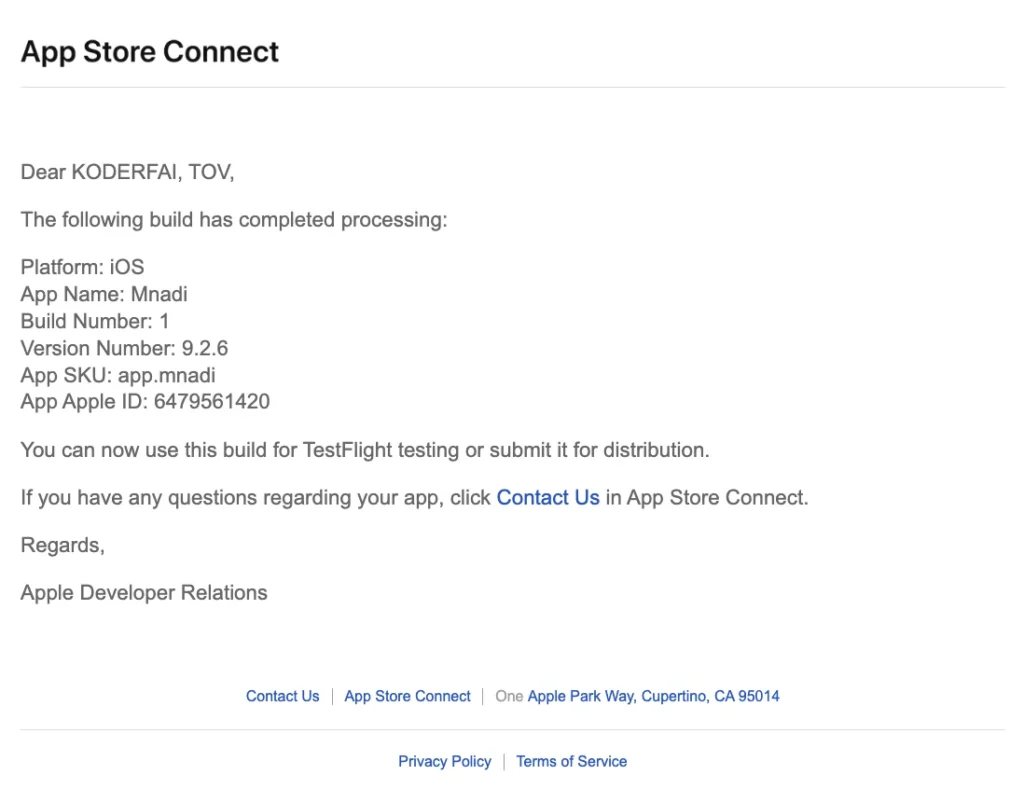
- Apple Developer Program: Register your team under an Apple ID. This step is essential for managing TestFlight builds and eventual App Store deployment.
- Google Play Console: Create an account to manage your Android app publishing.
Refine Your App
Before submission:
- Testing: Use TestFlight (iOS) or Google Play’s internal testing to ensure your app is bug-free.
- Optimize the admin panel: Developers may need access to make quick adjustments.
Follow App Guidelines
Both Apple and Google have strict requirements:
- Privacy policies: Clear data usage and storage guidelines.
- Design compliance: Ensure adherence to interface guidelines.
- Content regulations: Avoid violating copyright or promoting harmful content.
Prepare Assets
For a smooth submission, you’ll need:
- App icons and screenshots.
- Promotional materials (videos, banners).
- App description optimized with keywords like “hire mobile developer” and “publish app.”
Submit and Monitor
- For iOS, submit your app via Xcode to Apple for review. Approval typically takes a few days.
- For Android, upload your app APK to Google Play Console. Approval timelines are usually faster but vary.
Step 3: Collaborate for Updates
If you’re collaborating with a development team, make sure they have continuous access to tools and communication channels:
- Assign a dedicated corporate email (e.g., appstore@yourdomain.com) for account-related updates.
- Regularly test updates via TestFlight or similar services.
Step 4: Effective Post-Launch Management
Your app’s publication is just the start. Post-launch efforts can ensure success:
- Analyze performance: Use App Store Connect or Google Analytics to monitor user engagement.
- Gather feedback: Encourage user reviews and respond promptly.
- Update regularly: Fix bugs, add features, and maintain relevance.
Final Thoughts
Whether hiring a mobile developer or publishing an app, preparation and a strategic approach are key. If you’re ready to bring your app to life, consider partnering with a company like Coderfy. With expertise in mobile development and user-centric design, we simplify the journey from idea to app store. Let’s innovate together!